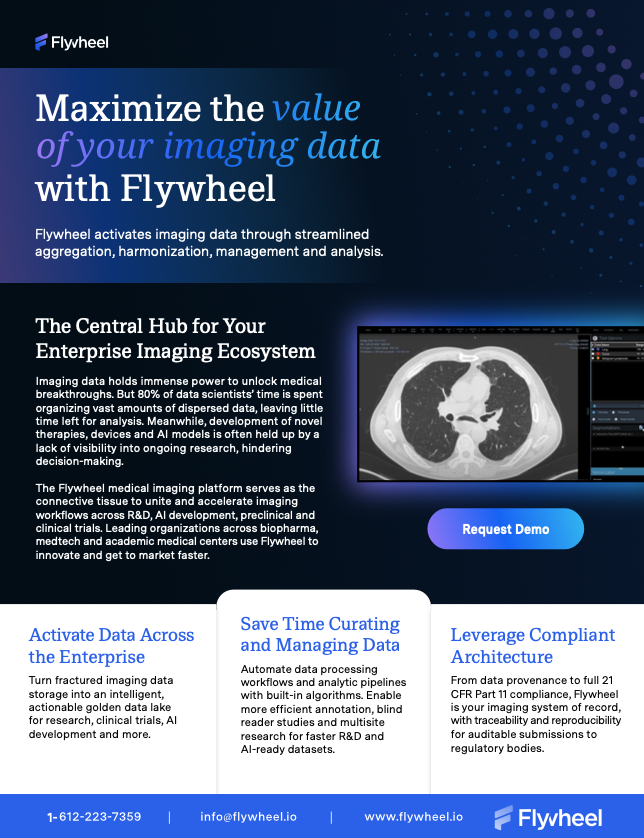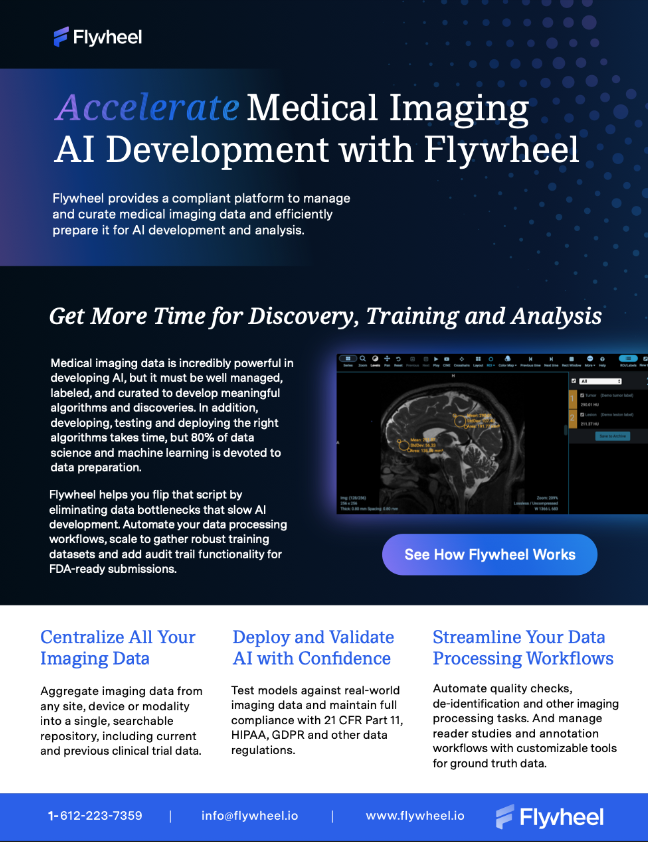





Flywheel has been helping teams across biopharma, medtech and academic medical centers optimize their imaging research for more than a decade. And with the proliferation of artificial intelligence, Flywheel has adopted AI into the platform to maximize efficiency while setting the stage for medical AI development across industries. Read on to learn how Flywheel empowers teams to incorporate AI across their imaging research and development efforts.
Meet Fermi, Our AI Chatbot
Fermi is our AI assistant that’s built right into Flywheel. Fermi helps new users get up-to-speed faster while giving existing users a way to find key information and navigate functionality. Ask a question in plain language, and Fermi gives you a clear answer, along with links to the relevant Flywheel documentation so you can go deeper.
For new users, this could look like asking Fermi to explain Flywheel features such as data ingest and Flywheel Gears. For intermediate and advanced users, it can mean getting help writing scripts, pulling up the SDK (software development kit), building workflows and exploring new features.
Here are some examples of questions you can ask Fermi:
- How can I make a gear rule that triggers when two files meet specific conditions
- Could you recommend a Gear for extracting DICOM headers?
- Could you write a Python script that uses the SDK to list my projects?
Fermi is trained on Flywheel’s full knowledge base and documentation, so it gives you the most up-to-date, relevant information. If you’re a Flywheel user, try Fermi today for smoother onboarding and better self-service guidance.
All About Agent Skills
Given the widespread use of generative AI tools such as Claude and ChatGPT, Flywheel is building a library of agent skills users can plug into their own AI tools that increase their efficiency as they perform common tasks in Flywheel. Flywheel can plug these skills directly into your Claude environment or provide them as text files you can use with other agentic tools.
Skills serve as an “assistant” on your Flywheel projects. They can help you complete common tasks such as data ingestion and gear building, giving you more time back for data analysis. For example, if you want to export a specific dataset from Flywheel, you can ask Claude to do this for you. If your Claude skills are set up, Claude will complete the export while you move on to other tasks, freeing up even more time for you to complete more important work.
What Is the Difference Between Fermi and Agent Skills?
Think of Fermi as a generalist versus agent skills as a specialist. Fermi is trained on the latest Flywheel documentation, so it can help you find the answer to many of your general questions about how Flywheel works and can even complete tasks like writing a script for a new Gear.
Where agent skills stand out is connecting directly to your deployment and completing tasks specific to your data. Looking for a certain dataset? Trying to upload or export several datasets with the same criteria at once? Agent skills can help you with these slightly more advanced tasks because they connect directly to your data and not just general documentation. And because these AI tools remember queries, they can learn your preferences and replicate previous tasks, unlocking new levels of efficiency.
Automation Within Flywheel
Beyond generative AI, organizations are often looking for deterministic results for repeatable research. That’s where Flywheel Gears come in.
Gears are containerized algorithms that can be added to your Flywheel deployment. You can choose from 100-plus models on the Gear Exchange. Or you can add 510K-cleared or open-source algorithms. You can also create your own Gears or work with our Scientific Solutions Engineers to develop them.
The beauty of Gears is they deliver the same results each time they’re used on the same data. This makes for truly repeatable research while still offering a massive boost to efficiency, automating routine tasks like metadata extraction, classification, quality assurance and BIDS conversion. Gears can also be chained together for full analytic pipelines.
How Will You Use Flywheel to Boost Your AI Workflows?
One of the best parts about Flywheel is its flexibility. The platform includes SDKs, connects to other platforms via API and can be customized with help from our SSE team.
Whatever your initiatives around AI may be, Flywheel can fit into your workflows and accelerate those efforts. Get in touch with one of our experts to talk about your organization’s needs, and learn more about AI in the Flywheel platform here.